Table of contents
Table of contents
Scrum vs. Kanban vs. Scrumban: Which Agile method is best?
Summary
In this guide, you will learn:
- Core differences: Scrum, Kanban, Scrumban (planning, roles, workflow).
- Scrum: Structured, timeboxed sprints, defined roles; Kanban: Continuous flow, flexible tasks.
- Scrumban: Combines Scrum structure with Kanban flexibility (flow, WIP limits, optional timeboxed iterations).
- Scrumban benefits: Adaptability, deadlines, roles (transitioning/hybrid workflows).
- Unique metrics/practices: Scrum's sprint backlog, Kanban's flow metrics, Scrumban's balance.
- Tools like Miro: Support Agile with customizable boards, templates, collaboration for productivity.
Collaborative AI Workflows
Join thousands of teams using Miro to build the right thing, faster.
Choosing the right Agile methodology can feel overwhelming, especially with so many options on the table. If you're wondering whether Scrum vs. Kanban vs. Scrumban is best for your team, you're in the right place. Each approach has its strengths, and understanding the differences can help you make an informed decision. Let’s break them down and figure out which one suits your team’s needs.
What is Scrum?
Scrum is a structured framework built around sprints. It’s a popular methodology for teams who thrive on clear roles, responsibilities, and regular milestones.
In Scrum, there are three main roles: the Scrum Master, the Product Owner, and the Development Team. The Scrum Master facilitates the process, helping the team stay on track, while the Product Owner defines what needs to be built and prioritizes the tasks. The Development Team focuses on completing the tasks.
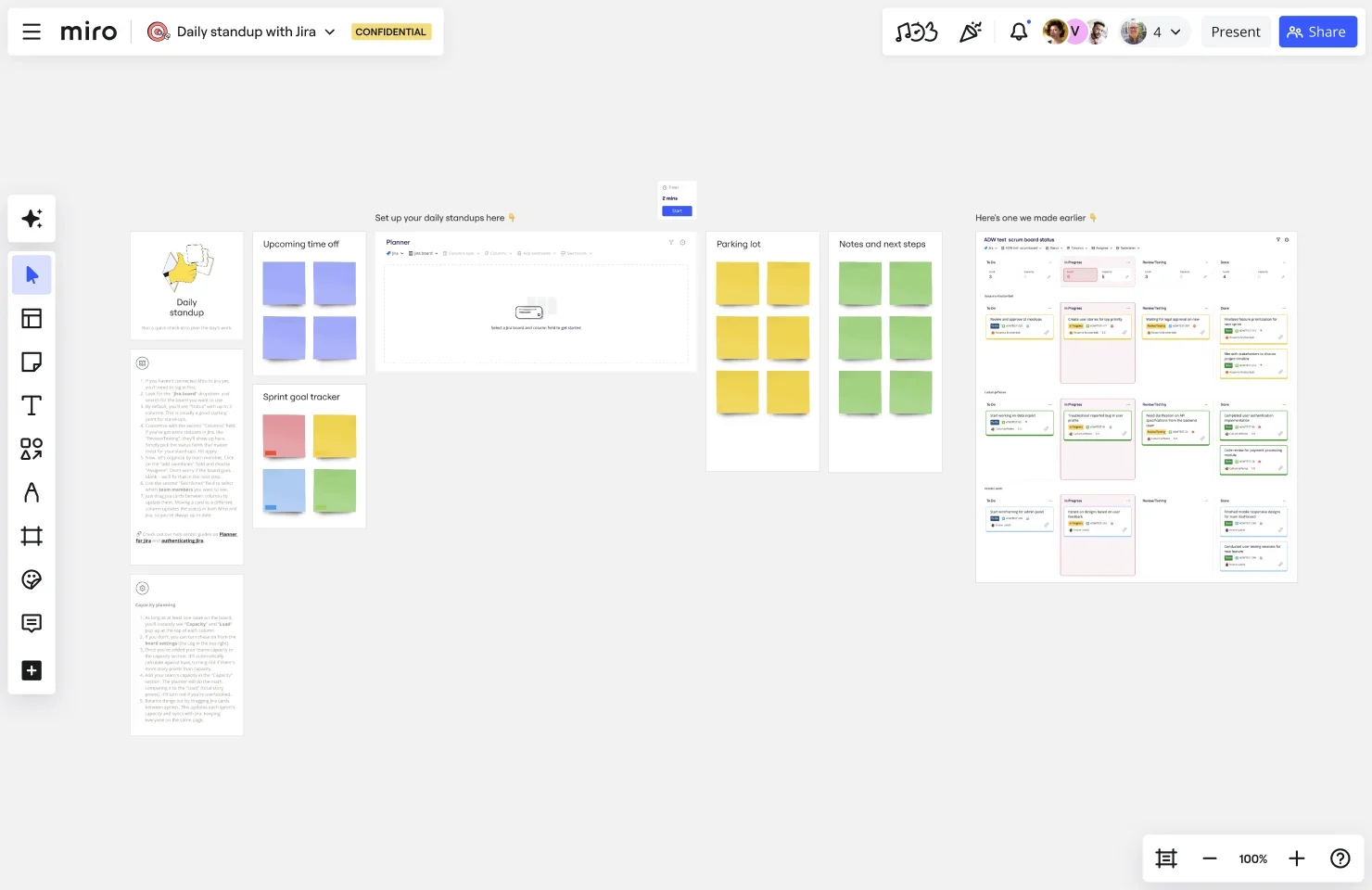
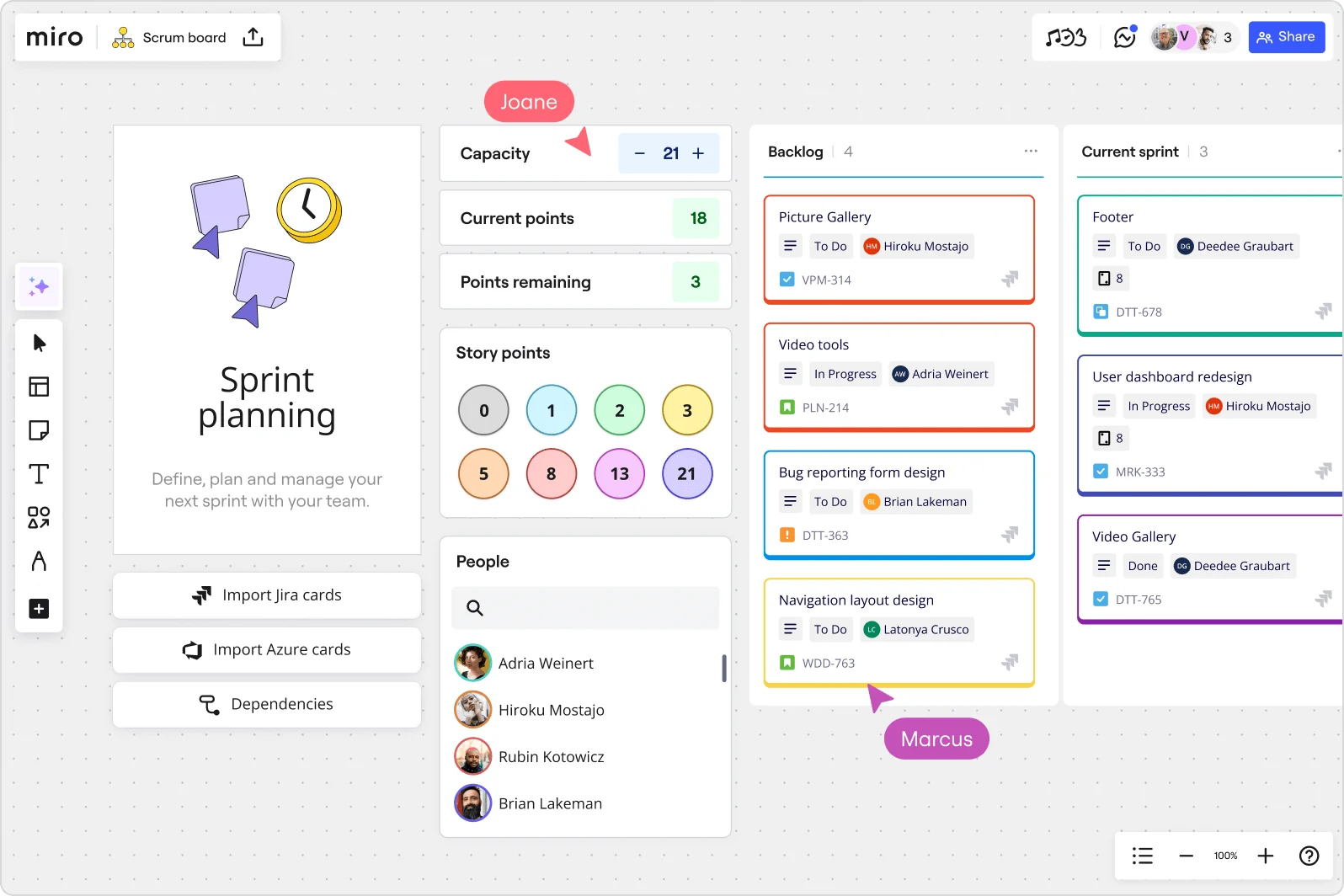
Scrum is built around several key events: Sprints (time-boxed work periods), Sprint Planning, Daily Stand-ups, Sprint Reviews, and Retrospectives. These events ensure transparency, continuous feedback, and ongoing improvements within the team.
What is Kanban?
Kanban is all about flow. It’s a more flexible approach that emphasizes visualizing the work and continuously delivering value.
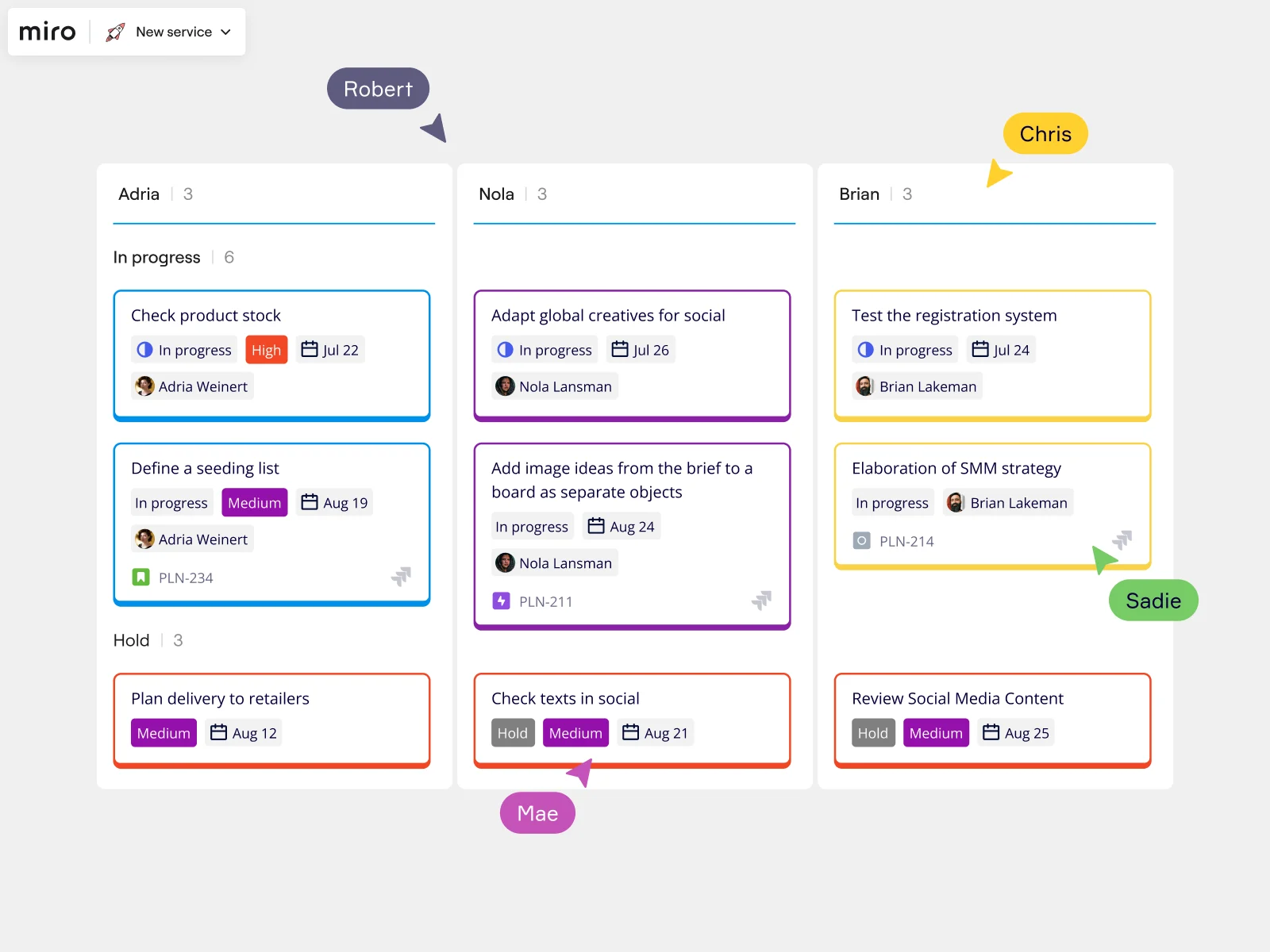
Kanban uses boards to track work, typically split into columns like "To Do," "In Progress," and "Done." The goal is to move tasks from one column to the next as smoothly as possible, ensuring there are no bottlenecks. A core principle of Kanban is limiting work in progress (WIP). This reduces overburdening the team and helps maintain focus. Unlike Scrum, there are no sprints or predefined roles—just a continuous flow of tasks.
Teams using Kanban boards online benefit from the ability to adapt quickly. Work is pulled based on capacity, not pushed through a strict cycle.
What is Scrumban?
Scrumban is a hybrid methodology that blends the structure of Scrum with the flexibility of Kanban. It was created for teams who need the discipline of Scrum but crave the adaptability that Kanban provides.
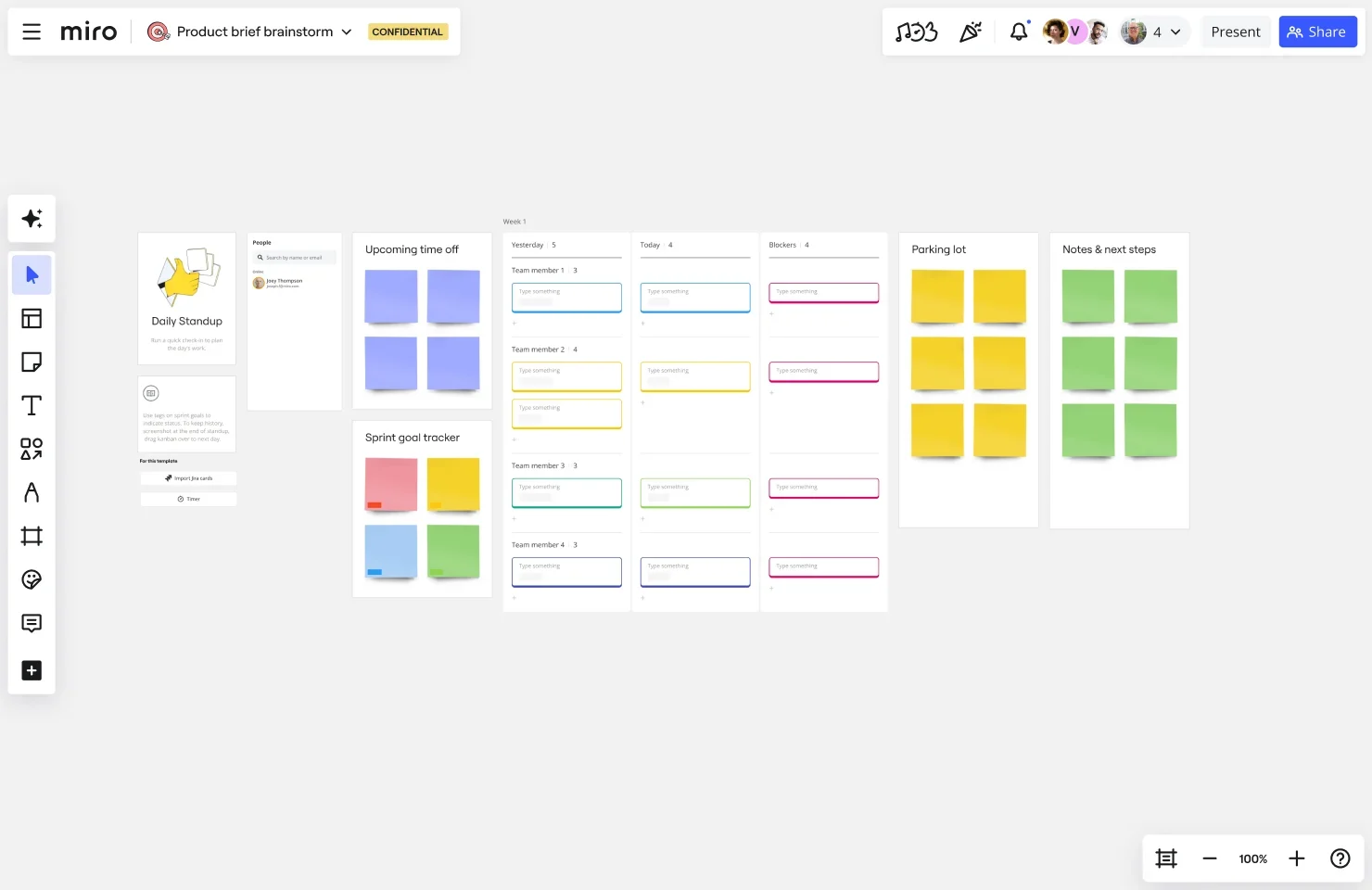
Scrumban uses Scrum’s roles and events but introduces Kanban’s continuous flow and work-in-progress limits. It’s ideal for teams who find Scrum too rigid or Kanban too loose. The combination helps teams stay on track with deadlines while also being responsive to changing priorities.
You’ll often see Scrumban in projects that evolve quickly, needing both structure and flexibility. It’s a perfect solution when you need to scale or make frequent adjustments on the fly.
Key differences between Scrum and Kanban
Understanding the differences between Scrum and Kanban can help you determine which methodology is best for your team. At the core, Scrum is a structured framework, while Kanban is a flow-based system.
Structure vs. flow
In Scrum, work is organized into time-boxed iterations (Sprints), and the team commits to specific tasks during that period. In Kanban, work is continuous, and tasks flow from one stage to the next without a fixed iteration.
Time-boxed iterations vs. continuous delivery
Scrum’s emphasis on time-boxed iterations (Sprints) provides clear milestones for the team to work towards. On the other hand, Kanban uses continuous delivery, allowing for more flexibility and an ongoing flow of work without predetermined timelines.
Roles and responsibilities
Scrum defines roles and events to guide the team through the process, while Kanban focuses on the flow of tasks and has fewer defined roles. These differences make Scrum ideal for teams that need clear direction and regular milestones, while Kanban works best for teams that require flexibility and continuous delivery.
Pros and cons of Scrum, Kanban, and Scrumban
Every Agile methodology offers unique benefits, but they also come with their challenges. Here’s a closer look at the pros and cons of each approach.
Scrum
Scrum is ideal for teams who need structure and clear deadlines.
Pros: Scrum provides clear roles and time-bound goals, which can help teams stay focused and productive. The regular check-ins and structured sprints foster collaboration and continuous improvement. Scrum also ensures accountability and aligns teams towards common goals.
Cons: Scrum’s rigid structure may feel restrictive for teams that need more flexibility. Some teams may struggle with the time-boxed nature of sprints or the frequent planning and reviews, especially if they prefer to work in a less constrained way.
Kanban
Kanban thrives in environments where flexibility and continuous delivery are key.
Pros: Kanban offers flexibility, allowing teams to continuously prioritize and adapt to changing requirements. Its visual boards make it easy for teams to track work, while limiting work-in-progress (WIP) helps maintain focus and avoids overburdening the team.
Cons: While Kanban’s flow-based system offers flexibility, it can sometimes lack the structure needed for teams who prefer clear goals and timelines. Without defined roles or events, some teams may struggle with coordination or accountability.
Scrumban
Scrumban blends the best aspects of both Scrum and Kanban for teams that need structure with adaptability.
Pros: Scrumban offers the flexibility of Kanban with the structure of Scrum. Teams can adapt quickly to changing requirements while still maintaining deadlines and roles. It’s perfect for teams that need the best of both worlds and can scale effectively while meeting goals.
Cons: Scrumban can be challenging because of its balance between flexibility and structure. Teams may struggle if they swing too far towards one side, either becoming too rigid like Scrum or too unstructured like Kanban, which can hinder productivity.
Scrum vs. Kanban vs. Scrumban: Side-by-Side Comparison
Dimension | Scrum | Kanban | Scrumban |
Framework | Scrum | Kanban | Scrumban |
Work Structure | Fixed-length sprints (1-4 weeks) | Continuous flow (no time boxes) | Optional sprints with continuous flow |
Planning Approach | Sprint planning at start of each sprint | On-demand planning when backlog runs thin | Flexible planning meetings as needed |
Team Roles | Product Owner, Scrum Master, Development Team | No prescribed roles | Optional roles based on team needs |
Work Commitment | Sprint backlog commitment | Pull work when capacity exists | Optional sprint commitment or pull system |
Work Limits | Sprint capacity limits total work | WIP limits per workflow stage | WIP limits with optional sprint boundaries |
Key Ceremonies | Sprint Planning, Daily Standup, Sprint Review, Retrospective | Optional standup, optional retrospectives | Flexible ceremony cadence (keep what works) |
Primary Metrics | Velocity, burndown charts | Cycle time, lead time, throughput | Combined velocity and flow metrics |
Change Management | Changes wait until next sprint | Changes flow continuously | Urgent changes flow, planned work in sprints |
Best For | Predictable feature delivery, new product development | Support teams, maintenance work, continuous delivery | Mixed work types, mature teams, transitioning teams |
Learning Curve | Moderate (prescribed practices to adopt) | Low (start with current process) | Moderate-High (requires intentional design) |
Ceremony Overhead | High (regular required ceremonies) | Low (minimal required meetings) | Medium (selective ceremony adoption) |
Flexibility | Low (prescribed framework) | High (adapt to your context) | Very High (customize your hybrid) |
Predictability | High (sprint commitments) | Lower (flow-based forecasting) | Medium (optional sprint goals) |
Key Advantage | Stakeholder confidence through predictable delivery | Continuous optimization through visual flow | Combines structure with flexibility |
Primary Challenge | Rigid for teams with unpredictable work | Lacks structure for new agile teams | Requires maturity to manage hybrid approach |
Ideal Team Size | 5-9 people | Any size (scales easily) | Any size (flexible scaling) |
Release Cadence | End of sprint or coordinated release trains | Continuous deployment when work completes | Flexible (sprint releases or continuous) |
Typical Adopters | Product teams, development teams, project teams | Support teams, ops teams, maintenance teams | Mature teams, cross-functional teams, hybrid teams |
Key Question Answered | What can we deliver this sprint? | How do we optimize our flow? | How do we balance structure with flexibility? |
When to use each framework
When to use Scrum
Choose Scrum when you need:
Predictable delivery cycles. Scrum's sprint structure creates regular, time-boxed intervals for planning, executing, and reviewing work. If your stakeholders need to know when features will ship, or if you're coordinating releases across multiple teams, Scrum's fixed cadence gives you that predictability.
Clear role definition. When your team needs structure around who does what, Scrum defines three core roles: Product Owner (who prioritizes the work), Scrum Master (who facilitates the process), and Development Team (who builds the product). This clarity prevents confusion about decision-making authority.
Regular inspection and adaptation. Scrum's built-in ceremonies — sprint planning, daily standups, sprint reviews, and retrospectives — force teams to pause, reflect, and adjust. If your team tends to keep their heads down and rarely surfaces for air, Scrum's cadence ensures you're building the right thing.
Best for: Product teams launching new features, development teams coordinating complex releases, or any team that benefits from working in focused bursts with clear boundaries.
When to use Kanban
Choose Kanban when you need:
Continuous flow. Kanban doesn't impose artificial time boundaries on your work. If your team handles ongoing maintenance, responds to support requests, or manages work that arrives unpredictably, Kanban lets you visualize and manage that flow without forcing it into sprints.
Process flexibility. Kanban starts with your current workflow — whatever that looks like — and helps you improve it incrementally. You don't need to reorganize your team structure or adopt new roles. Just map your existing process, make it visible, and start optimizing.
Work-in-progress limits. The power of Kanban is in its constraints. By limiting how much work can be "in progress" at any stage, Kanban exposes bottlenecks and prevents team members from juggling too many tasks. If your team struggles with context switching or finishing what they start, Kanban's WIP limits create focus.
Best for: Support teams handling tickets, operations teams managing infrastructure, or any team where work arrives continuously rather than in planned batches.
When to use Scrumban
Choose Scrumban when you need:
The best of both worlds. Scrumban emerged from teams who found Scrum too rigid but Kanban too loose. If you want sprint planning to align on goals, but continuous flow to handle work as it arrives, Scrumban gives you both.
Scaling flexibility. As teams mature, they often find pure Scrum or pure Kanban doesn't quite fit. Maybe you need sprints for feature work but continuous flow for bugs. Maybe you want WIP limits but also regular retrospectives. Scrumban lets you combine elements that work for your context.
Transition support. If you're moving from Scrum to Kanban (or vice versa), Scrumban provides a bridge. You can gradually adopt Kanban practices while maintaining some Scrum structure, or add sprint planning to your Kanban flow.
Best for: Mature teams optimizing their process, teams with mixed work types (planned features plus reactive work), or teams transitioning between frameworks.
Which framework works best for each type of team
Engineering teams
Building new products: Scrum. Sprint boundaries help engineering teams batch related work, coordinate dependencies, and maintain sustainable pace. Sprint planning aligns everyone on technical priorities, and retrospectives surface process improvements.
Maintaining existing products: Kanban or Scrumban. Once a product stabilizes, work shifts from planned features to reactive maintenance. Kanban's continuous flow handles bugs, small improvements, and technical debt without the overhead of sprint planning. Scrumban adds optional sprint planning for larger features while keeping flow for everything else.
Platform and infrastructure teams: Kanban. Infrastructure work is often interrupt-driven and hard to estimate. Kanban visualizes the steady stream of requests, deployments, and incidents without forcing them into artificial sprint boundaries.
Product management teams
Discovery and planning: Kanban or Scrumban. Product discovery doesn't fit neatly into sprints. User research, market analysis, and strategic planning happen continuously. Kanban boards help PMs visualize and prioritize this work without time-boxing it. Scrumban adds periodic planning sessions to align with engineering sprints.
Feature delivery: Scrum. When PMs are focused on shipping features, Scrum's sprint cycle aligns perfectly with roadmap execution. Sprint planning forces prioritization decisions, and sprint reviews create regular opportunities to gather stakeholder feedback.
Design teams
Research and exploration: Kanban. Design thinking thrives on iteration without time pressure. Kanban boards let designers visualize research, exploration, and concept development as continuous workflows rather than forcing them into sprints.
Production design: Scrum or Scrumban. When designers are creating assets for specific features, Scrum keeps them aligned with engineering sprints. Scrumban accommodates both — planned design work synchronized with sprints, plus continuous flow for ad-hoc design requests.
Marketing teams
Campaign execution: Scrum. Marketing campaigns have deadlines, dependencies, and coordinated launches. Scrum's sprint structure helps marketing teams plan campaign components, execute in coordinated bursts, and review results before planning the next wave.
Content production: Kanban. Content creation — blog posts, social media, email campaigns — flows continuously rather than in batches. Kanban boards help marketing teams visualize their content pipeline, manage work in progress, and optimize throughput.
Integrated marketing: Scrumban. Most marketing teams handle both planned campaigns and continuous content. Scrumban combines sprint planning for campaigns with continuous flow for content, giving marketing teams the structure and flexibility they need.
Cross-functional teams
Product development teams (PM, design, engineering): Scrum or Scrumban. These teams benefit from synchronized planning and delivery cycles. Scrum aligns everyone around sprint goals. Scrumban accommodates teams that also handle continuous flow work like bugs and small improvements.
Customer-facing teams (support, success, sales): Kanban. Work arrives continuously from customers and prospects. Kanban boards help these teams visualize requests, prioritize responses, and optimize their workflow without the overhead of sprint ceremonies.
Choosing your framework with Miro
Regardless of which framework you choose, Miro supports all three with templates, integrations, and AI-powered features that keep your team in flow:
Scrum teams use Miro for sprint planning, backlog grooming, and retrospectives — with boards that connect directly to Jira, Azure DevOps, and other development tools.
Kanban teams visualize their workflow on Miro boards, set WIP limits, and track cycle time — all while collaborating in real-time or asynchronously.
Scrumban teams customize Miro boards to combine sprint and flow elements, creating hybrid workflows that match their unique needs.
Try Miro's Agile templates to get started with Scrum, Kanban, or Scrumban in minutes, not hours. Or build your own board from scratch — Miro's AI canvas helps teams work the way that works best for them.
Simplify your Agile team events in Miro
If you’re ready to streamline your Agile workflows and collaborate more effectively, give Miro a try.
Our innovation workspace offers real-time and async collaboration features, and customizable intelligent templates to speed up your work — all on an AI-powered visual canvas.
Sign up to get started.
Author: Miro Team
Last update: October 2, 2025
Read more
Join our 100M+ users today


