A product roadmap tool designed for team innovation



















Product roadmapping tools on an AI-powered canvas
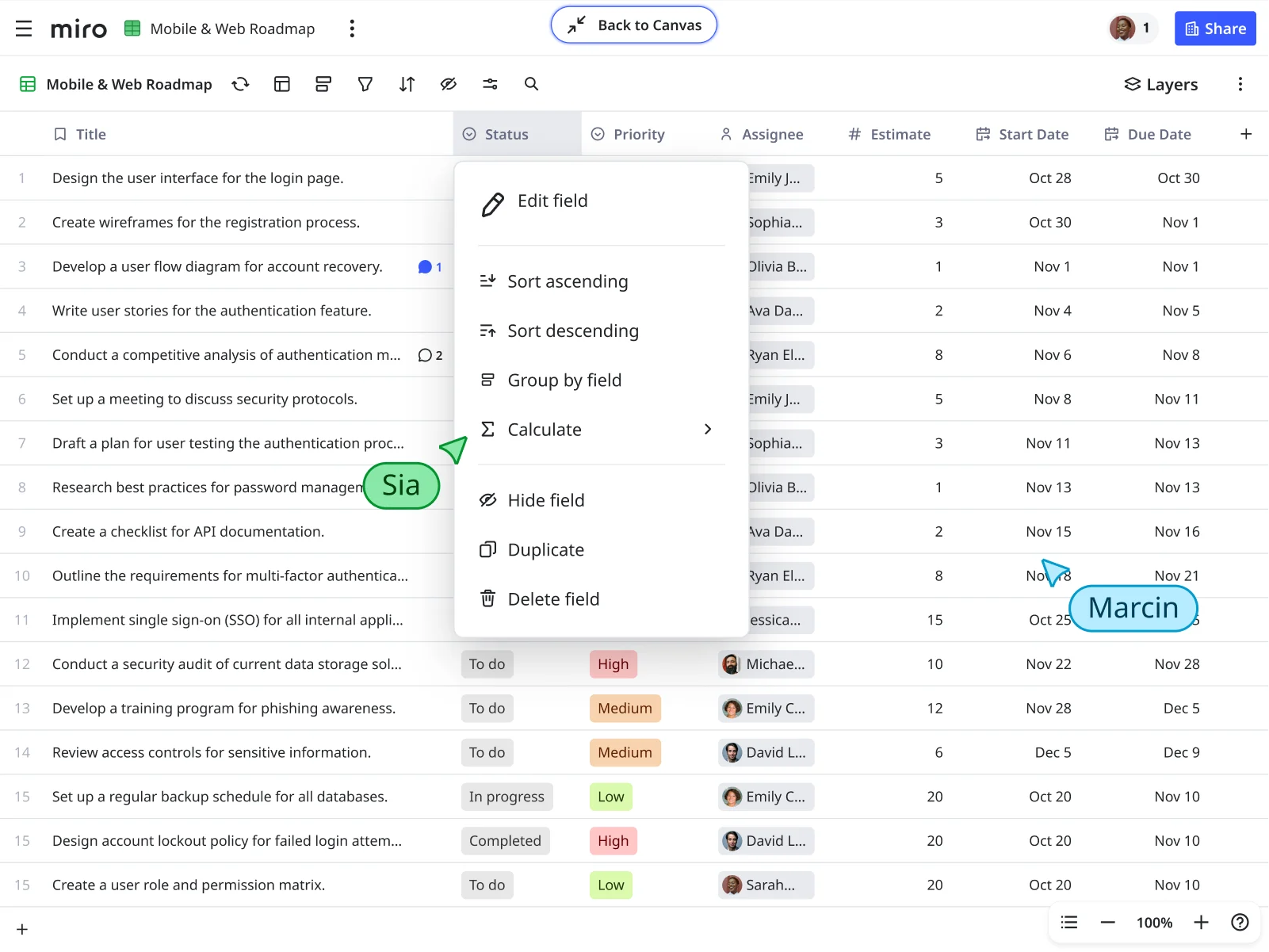
Why Miro’s product roadmap tool stands out
Start faster with AI
Skip the blank canvas problem. Use Miro AI to generate roadmap structures from your product brief or meeting notes in seconds. Our intelligent Roadmap Planning Template comes pre-loaded with timelines and tables — just add your milestones and start planning. AI Sidekicks can also help identify gaps in your timeline or suggest dependencies you might have missed.
Build workflows that work for you
Connect the tools your team already uses. Drag Jira cards directly onto your timeline, estimate story points with built-in widgets, and assign ownership without switching tabs. Flows can automate routine updates like syncing status changes or notifying stakeholders when timelines shift, so you spend less time on busywork and more time on strategy.
Keep everyone in sync, anywhere
Remote teams need more than static slides. Collaborate in real time during planning sessions, leave async feedback with comments and @-mentions, or record a TalkTrack to walk stakeholders through roadmap changes. Your product roadmap tool becomes a living workspace where context lives, not just another doc that gets buried in email.
Integrate with your product stack
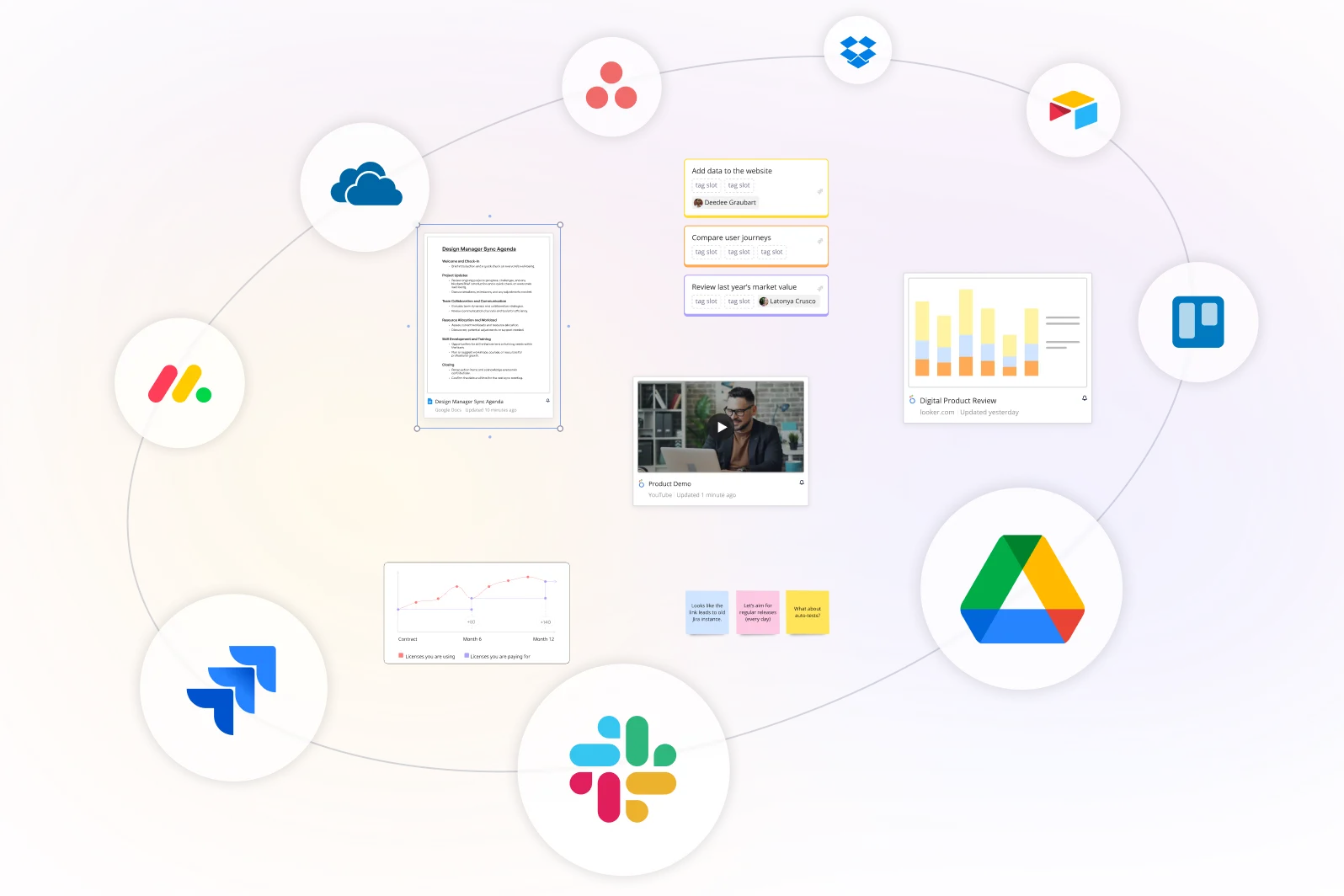
Two-way sync with Jira and Azure DevOps means changes flow both ways automatically. Engineering updates in Jira show up on your roadmap, and priority shifts you make in Miro update your backlog. No more version control headaches or manual updates across platforms.
Visualize dependencies and blockers clearly
See how features connect before conflicts derail your timeline. Use color coding to track progress across initiatives, group related items visually, and spot resource bottlenecks at a glance. When dependencies are visible on one canvas, your team can plan around constraints instead of discovering them mid-sprint.
Scale from planning to execution
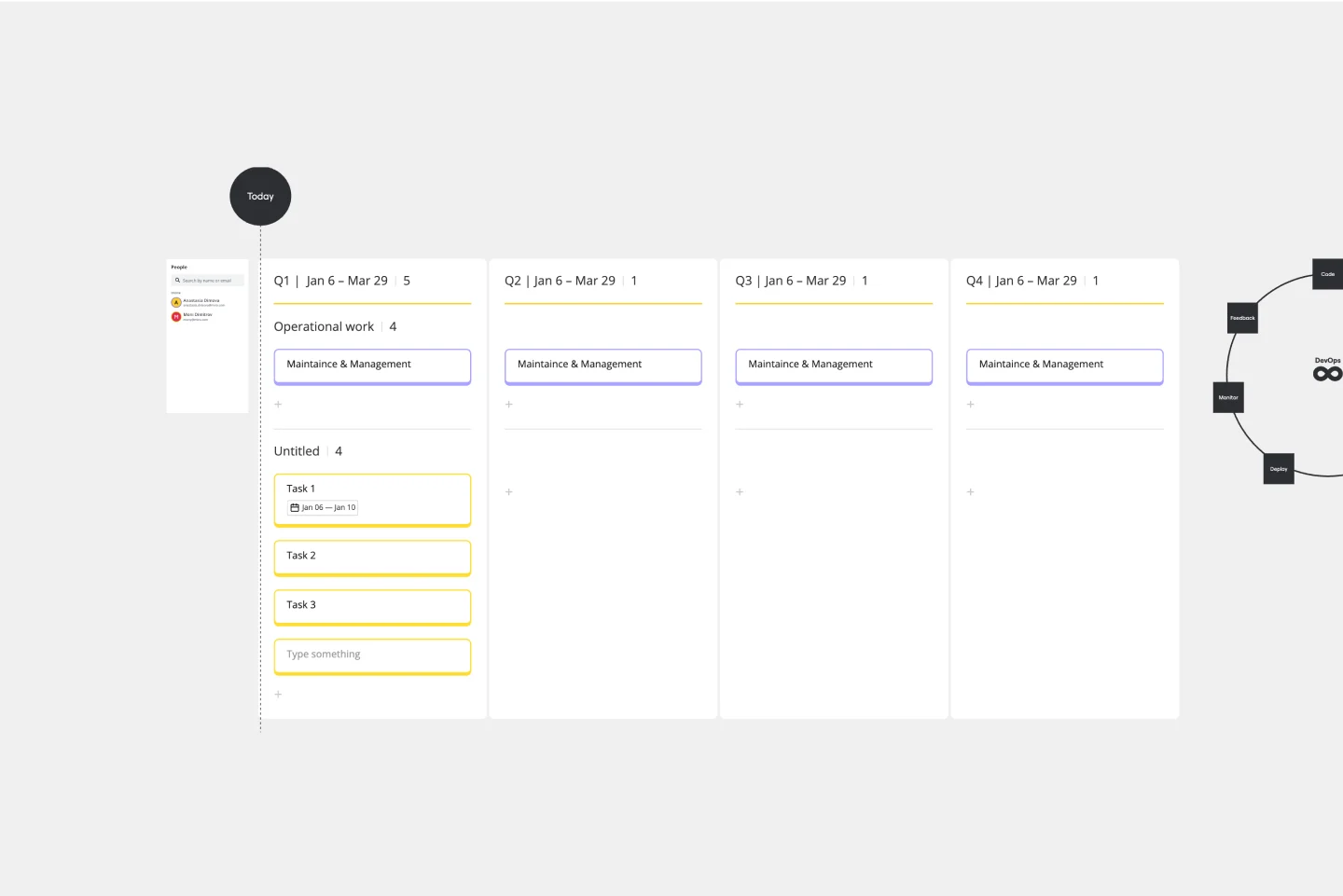
Your roadmap isn't just a planning artifact — it's your team's source of truth through launch. Start with high-level quarters, drill down into sprint details, and switch between views depending on your audience. Executives get the strategic picture, while engineering sees the tactical breakdown, all from the same board.
Integrated with your favorite tools
Related templates
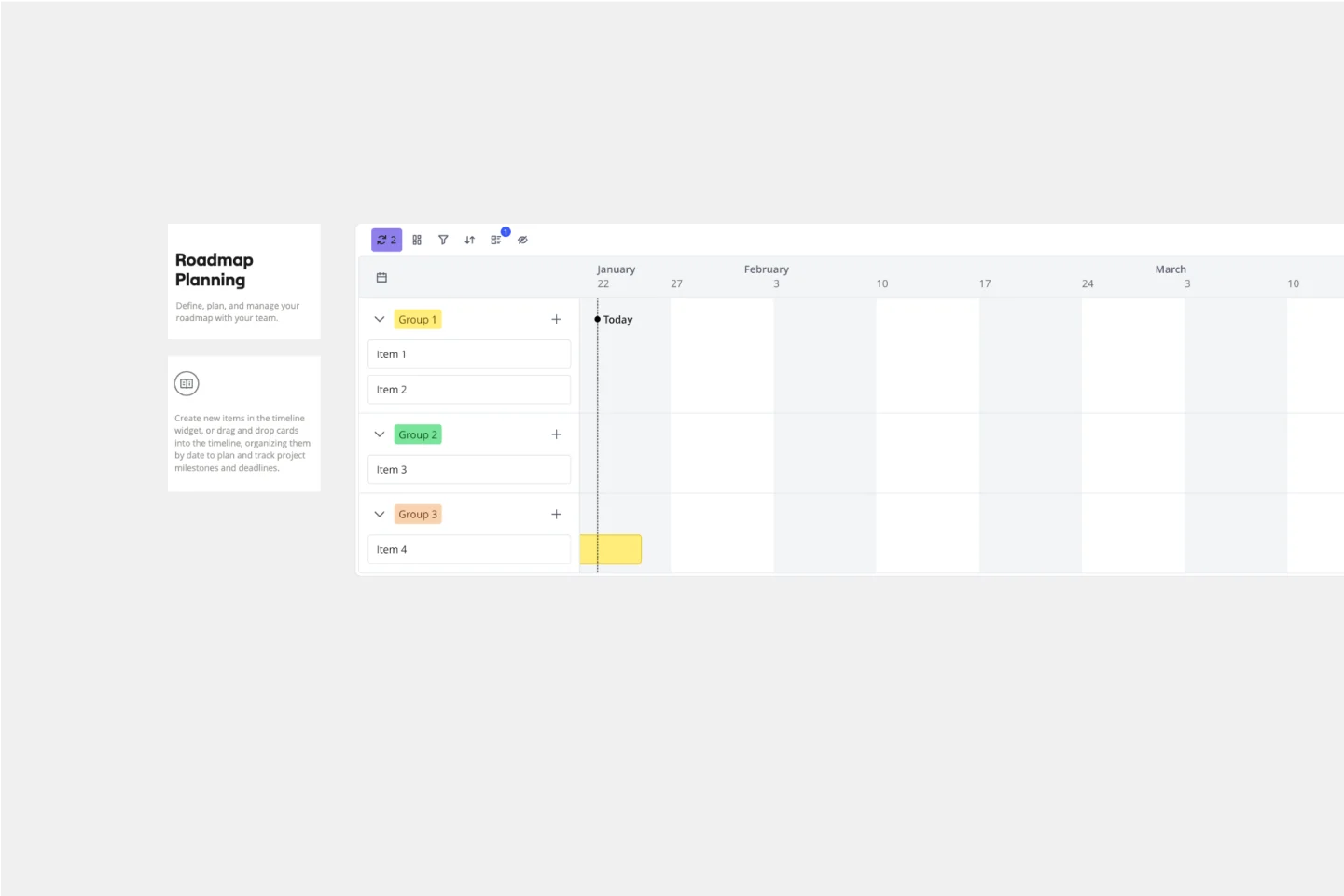
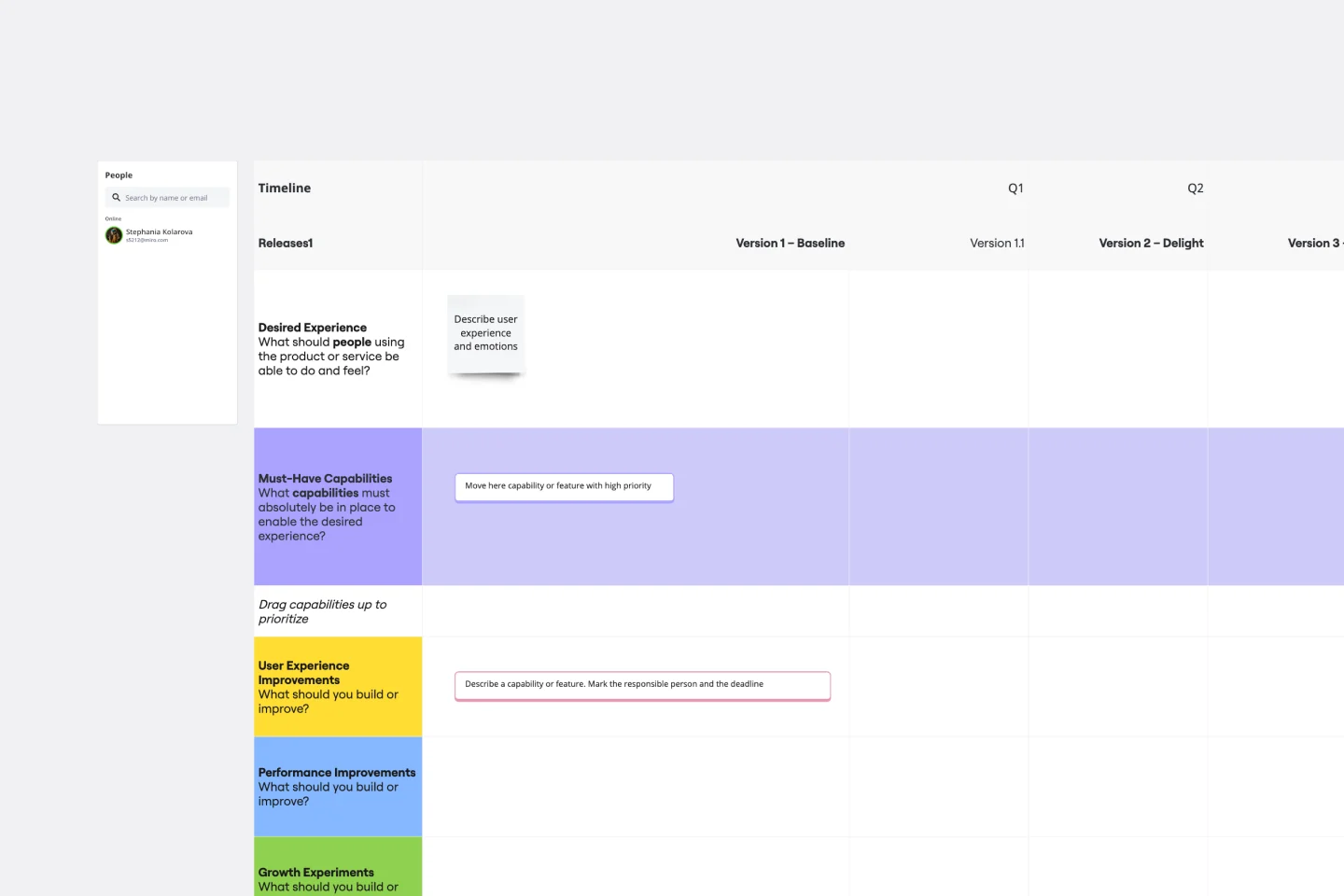
How to create a product roadmap in Miro
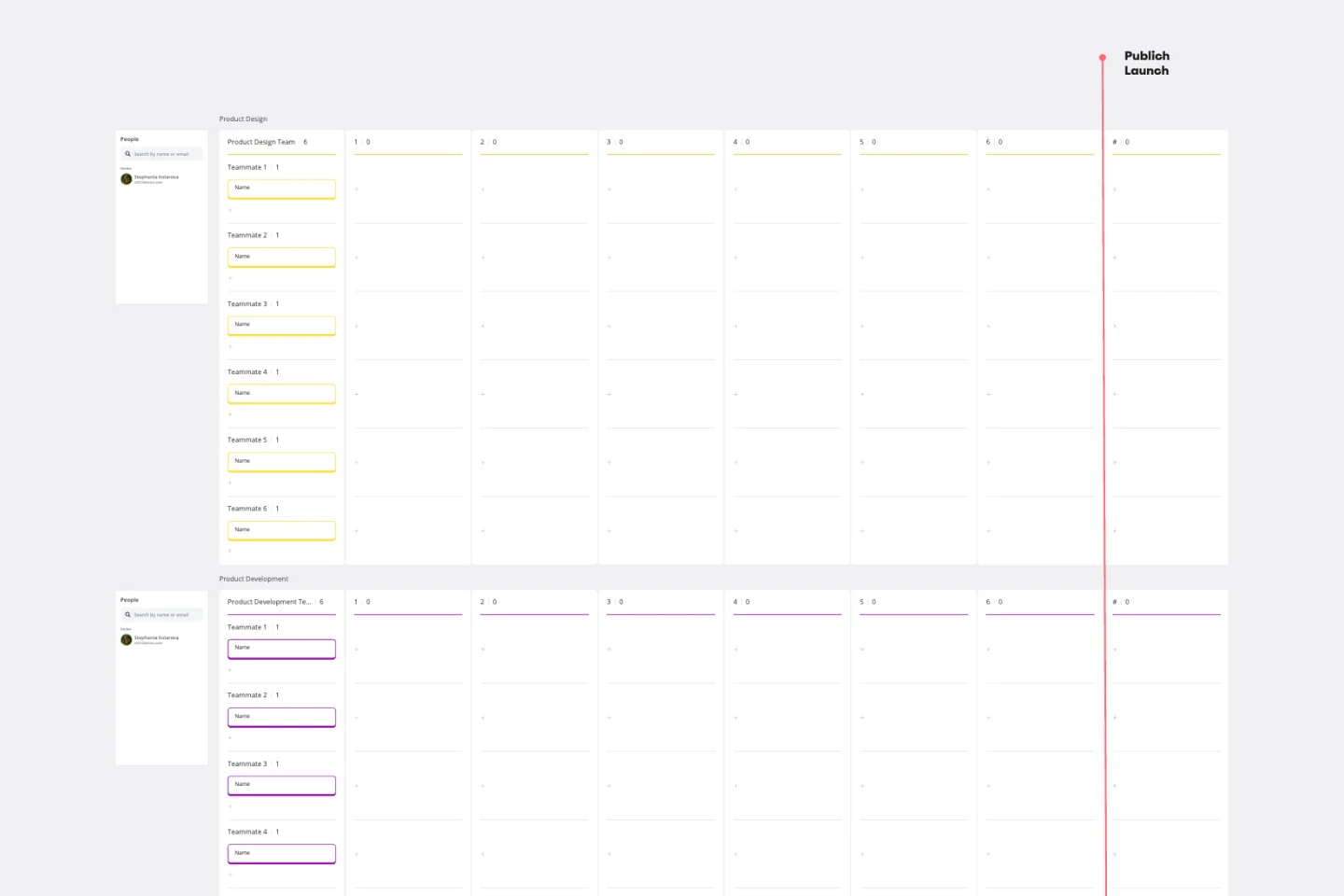
Drag and drop tasks directly onto the timeline. Pull in Jira and Azure cards, create record groups to organize initiatives, and resize time bars to adjust dates. AI Sidekicks can review your roadmap and suggest potential dependencies or conflicts you might not see.
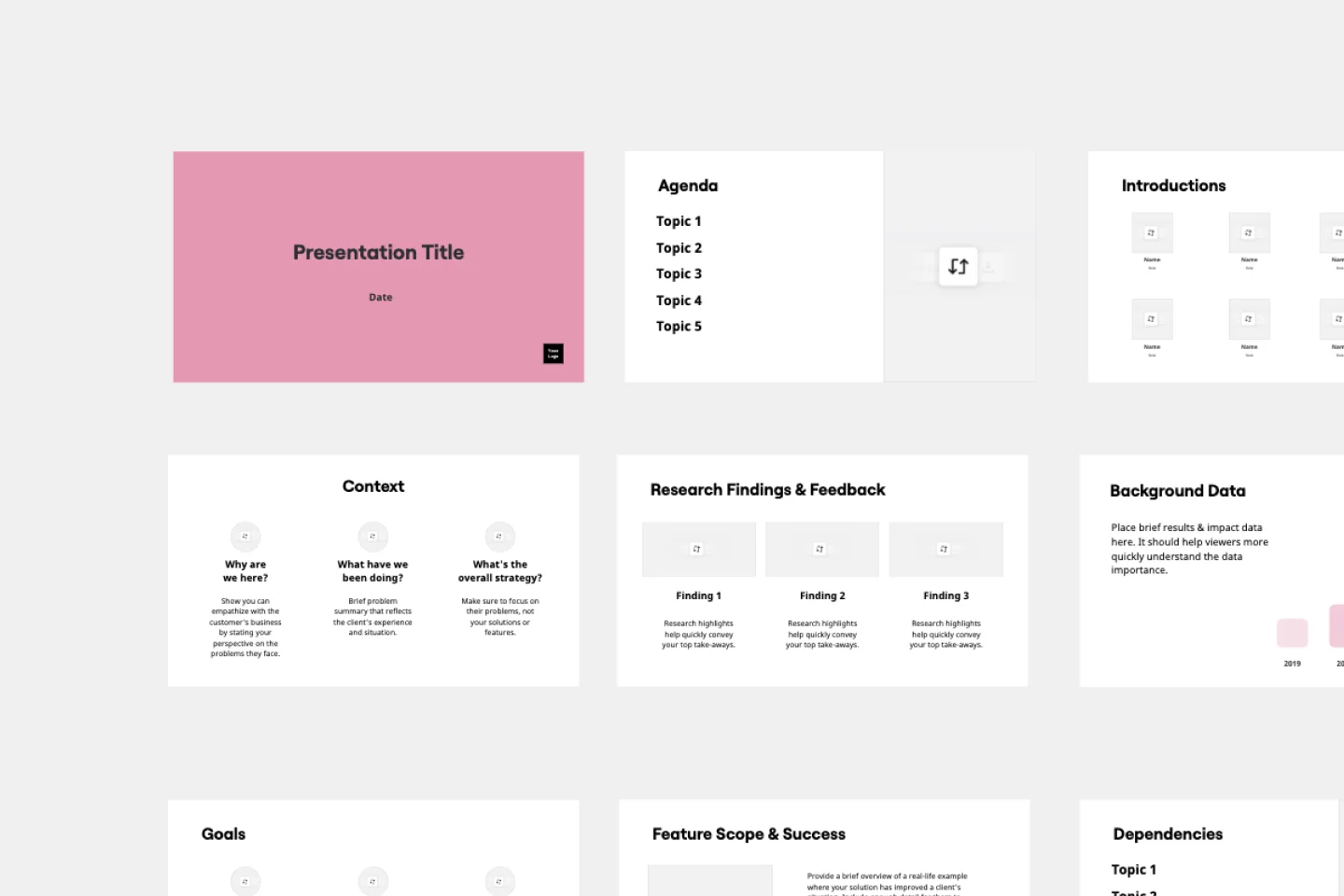
Invite product managers, engineers, designers, and stakeholders to view and comment. Switch between table and timeline views to show the right perspective for each audience. Use AI to quickly summarize changes for executive updates or create presentation-ready slides.

The world's most innovative companies are collaborating in Miro, everyday
“With Miro, we went from project brief to in-market launch in 10 months. That usually takes 3 years at PepsiCo.”
Caroline de Diego
Senior Manager, Global Design & Marketing Innovation at PepsiCo


“Bringing everyone together to plan in Miro means the most impactful initiatives will happen at the right time.”
Lucy Starling
Product Operations Lead at Asos


“The team onboarded in 10 minutes to use Miro for workshops. Getting our organization to adopt this product was a no-brainer.”
Konrad Grzegory
Agile Transformation Lead at CD PROJEKT RED


“Miro templates helped us go from scratch to a full-fledged plan where we mapped activities, ideas, and dependencies.”
Marc Zukerman
Senior Director of Project Management at Hearst


“Miro allows all our teams to align themselves with certain tools and models: they work independently and create products that really meet our customers' needs.”
Luke Pittar
Sustainability Innovation & Design Coach at The Warehouse Group


“To be truly innovative, everyone needs to have a voice, and everyone needs to be able to iterate on each other’s ideas. Miro has made that possible for us.”
Brian Chiccotelli
Learning Experience Designer at HP


Users love Miro for end-to-end innovation. We're the G2 leader in visual collaboration platforms and are rated in the top 50 enterprise tools. Miro helps large companies get meaningful work done.
Top 50 Products for Enterprise
G2 reviews


Product roadmap tool FAQs

How can a product roadmap benefit my team?
A product roadmap communicates the vision and progress of your product. It typically describes a company’s goals for its product, including new features, planned iterations, and release dates. By providing a visual timeline of these goals, you’ll have an easier time aligning stakeholders, developing the product, and prioritizing projects strategically. Having an intuitive visual product roadmap tool or software can go a long way too. With Miro, you’ll have more than a functional product roadmap creation or planning tool. You’ll have a powerful innovation workspace designed to help your team ideate, iterate, and deliver faster.
Does Miro’s product roadmap tool have AI capabilities?
Yes. Miro's AI features speed up roadmap planning in three ways. Create with AI generates roadmap structures from text — paste in your product brief and get a timeline started in seconds. AI Sidekicks review your roadmap to spot dependency conflicts or suggest improvements based on product management best practices. Flows automate repetitive tasks like syncing status updates with Jira or notifying stakeholders when timelines change, so your roadmap stays current without manual busywork.
Is Miro's product roadmap tool secure for enterprise teams?
Yes. Miro meets enterprise security standards with SOC 2 Type II, ISO 27001, and GDPR compliance. You control access with SSO, manage permissions at the board level, and track activity with audit logs. Enterprise Guard adds advanced security features like data loss prevention and content classification. Your roadmaps stay protected whether you're collaborating with internal teams or external stakeholders.
How much does Miro's product roadmap tool cost?
Miro offers a free plan to get started with unlimited board members and core roadmap features. Enterprise plans add security features, dedicated support, and volume pricing. You can build and share product roadmaps on any plan — choose based on the integrations and scale your team needs.
Can I customize Miro's product roadmap tool for my workflow?
Absolutely. Start with a template and customize everything — timeline views, data fields, color schemes, and widget combinations. Build your own roadmapping workflow by connecting widgets together, or integrate with 100+ apps including Jira, Azure DevOps, Slack, and Google Workspace. Create custom templates for your team, set up automated Flows for recurring tasks, and configure boards to match how your product team actually works.
Is Miro's product roadmap tool easy to use for non-technical teams?
Yes. Teams typically get productive in minutes, not days. The interface is visual and intuitive — drag and drop to add items, click to edit, and use familiar interactions you'd expect. Pre-built templates give you structure without starting from scratch, and AI features like Create with AI help you build roadmaps even faster. Your stakeholders can view and comment without learning complex tools, making it easy to gather feedback from anyone on your team.