
4 types of dependencies in project management
Summary
In this guide, you will learn:
- Five main types of project dependencies: logical, preferential, cross-team, resource, and external.
- How dependencies link tasks and impact project flow.
- Strategies for managing dependencies, including tracking and conflict resolution.
- The role of RAID logs in documenting Risks, Assumptions, Issues, and Dependencies.
- Tools and software that visualize, track, and automate dependency management (e.g., Miro, Jira, Trello).
- Best practices for using dependency mapping and tracking templates.
Collaborative AI Workflows
Join thousands of teams using Miro to build the right thing, faster.
In project management, understanding dependencies is critical for building smooth workflows and meeting deadlines. Dependencies show how tasks connect and influence one another, helping you plan timelines that work. This guide dives into the different types of dependencies, why they matter, and how to manage them effectively.
What are dependencies in project management?
Dependencies define the relationships between tasks in a project. They outline which tasks rely on others to begin or finish and help establish the best order of operations. By mapping dependencies, project managers can create clear schedules, avoid potential issues, and keep everything moving efficiently.
Why is identifying dependencies important?
Identifying dependencies is key to project success. When you recognize dependencies early, you can head off delays by addressing potential bottlenecks. It helps you allocate resources wisely so that critical tasks have what they need to move forward. Understanding dependencies also improves team coordination, keeping everyone aligned on priorities and timelines. These benefits lead to smoother workflows and better outcomes.
4 types of dependencies in project management
There are four main types of dependencies you’ll encounter in project management. Each one affects scheduling and task coordination differently.
Finish-to-Start (FS)
Finish-to-Start dependencies mean one task must finish before the next one can begin. This is the most common type of dependency. For example, you can’t start testing a product until the development phase is done. These dependencies create logical task sequences, making transitions from one phase to the next smoother.
Start-to-Start (SS)
Start-to-Start dependencies happen when two tasks need to start at the same time or overlap. For instance, in event planning, booking the venue and sending invitations might happen simultaneously. SS dependencies speed up projects by allowing tasks to move forward together, saving time and improving efficiency.
Finish-to-Finish (FF)
Finish-to-Finish dependencies require two tasks to finish at the same time or close to it. For example, in a product launch, writing the press release and finalizing marketing materials often need to wrap up together. These dependencies keep interconnected tasks aligned for seamless project delivery.
Start-to-Finish (SF)
Start-to-Finish dependencies are less common but still important. They require one task to start before another can finish. For example, during a system migration, the new system must start functioning before the old one can be shut down. SF dependencies are vital for transitions and handovers, especially in complex projects.
How to visualize dependencies
Visualizing dependencies makes it easier to manage them. Follow these steps to create clear visuals:
Identify all tasks
List every task required for your project. Cover everything to avoid missing any critical steps.
Determine task relationships
Look at how tasks connect. Identify which ones depend on others and classify them into FS, SS, FF, or SF categories.
Create a Gantt chart
Use a Gantt chart to map tasks along a timeline. This visual tool highlights dependencies and helps you spot scheduling gaps.
Use tools like Miro
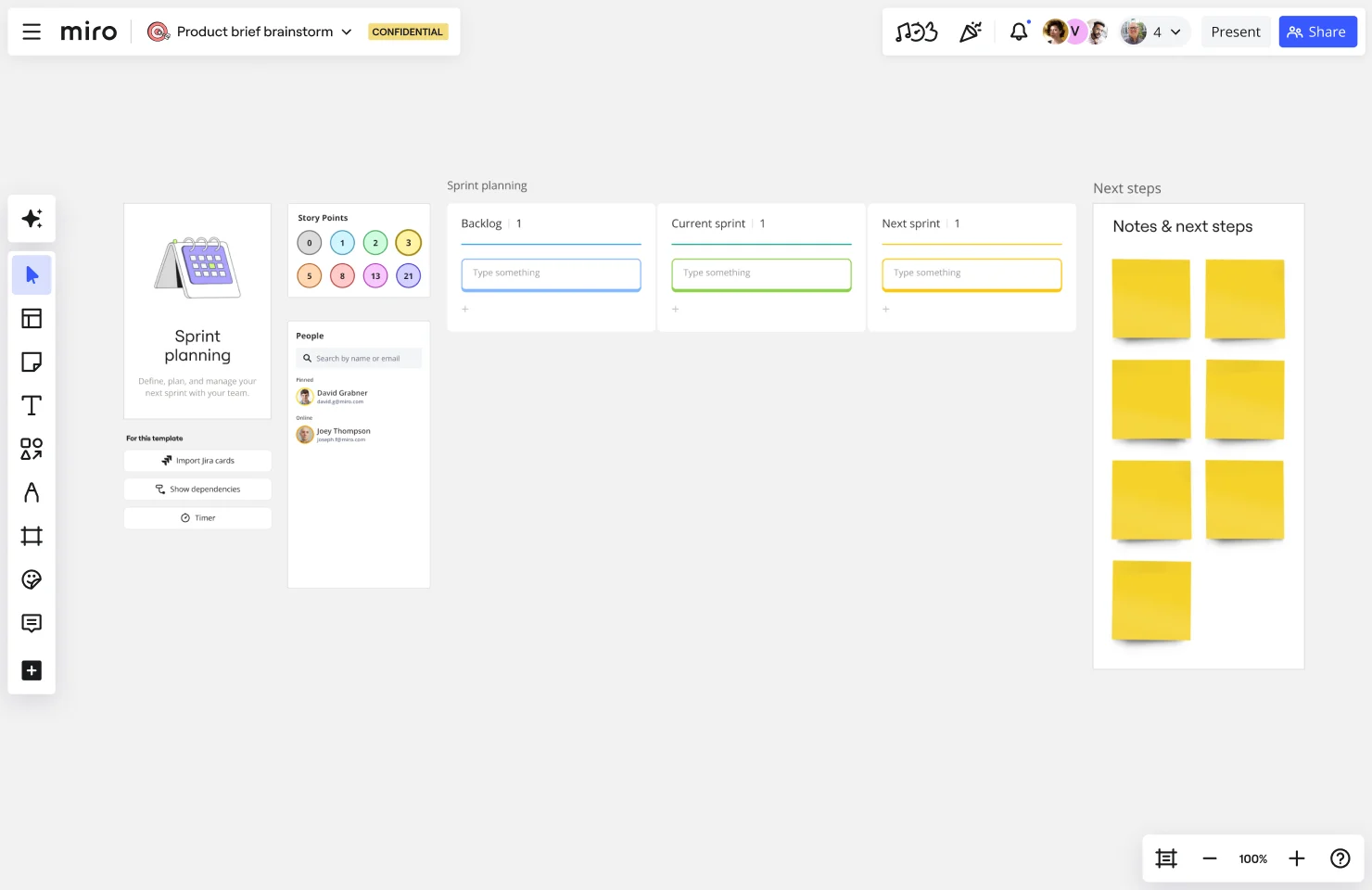
Leverage platforms like Miro to build dependency maps. Miro’s innovation workspace allows you to create project boards, collaborate with your team, and unify workflow using seamless integrations with popular tools — including Jira and Azure. Miro also comes with plenty of templates to kickstart your projects.
Review and update regularly
Dependencies can shift as projects evolve. Keep your visuals current to reflect any changes in schedules or priorities.
Best practices for managing dependencies
Managing dependencies doesn’t have to be complicated. These best practices help keep things under control:
Communicate clearly
Keep your team and stakeholders informed about task dependencies. Open communication avoids confusion and helps everyone stay aligned.
Focus on critical dependencies
Not all dependencies carry the same weight. Identify the ones that directly impact your timeline and prioritize them first.
Stay flexible with Agile
Agile methodologies, like Scrum, help teams adapt to changing dependencies. Regular check-ins and iterative planning make adjustments easier.
Anticipate risks
Look for potential risks tied to your dependencies and prepare contingency plans. Being proactive helps you avoid disruptions.
Use the right tools
Tools like Miro make it simple to visualize and manage dependencies. Real-time collaboration keeps everyone on the same page.

Manage project dependencies with Miro
Miro’s intuitive visual workspace simplifies managing dependencies in project management. Create detailed Gantt charts, map out relationships, and collaborate with your team in real time. With Miro, planning and adapting to dependencies becomes seamless, helping you focus on delivering successful projects.
Sign up to get started.
Author: Miro Team
Last update: October 16, 2025
Read more
Join our 100M+ users today


